To avoid that disappointment, you and the printer need to speak the same language before anything is printed. Here are the 5 golden rules, and the information you should always give the manager when you place the order:
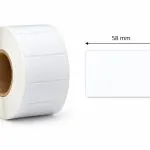
1. Exact size and shape (in millimetres)
"For a medium bottle" or "for a small jar": descriptions like these do not work at a print shop.
- Always measure the product surface with a ruler and give the size in millimetres (for example 50 mm x 80 mm).
- Specify the shape too: rectangular, round, oval, or a custom (shaped) die cut.
2. Material: where will your product "live"?
The label material depends directly on the conditions the product is used in. Always tell the printer what environment the product will be in:
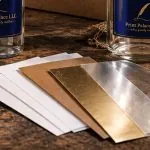
- Paper: ideal for dry products (books, candles, cardboard boxes).
- Polypropylene (PP film / plastic): essential if the product is kept in a fridge or a wet environment, or comes into contact with oils and chemicals (for example shampoo, wine, cleaning products).
3. The right file format (artwork)
Good printing starts with a correctly prepared artwork file. The printer needs:
- Vector format: PDF, AI or EPS (text must be converted to outlines with Create Outlines).
- Colour mode: the file must be in CMYK, not RGB (RGB is for screens only; the colours will shift in print).
- Bleed: the design needs an extra 2-3 mm trim area around it so no white edges are left after cutting.
4. Run length and how the labels are supplied
- Quantity: decide exactly how many you need. As a rule, the larger the run, the lower the cost of each label.
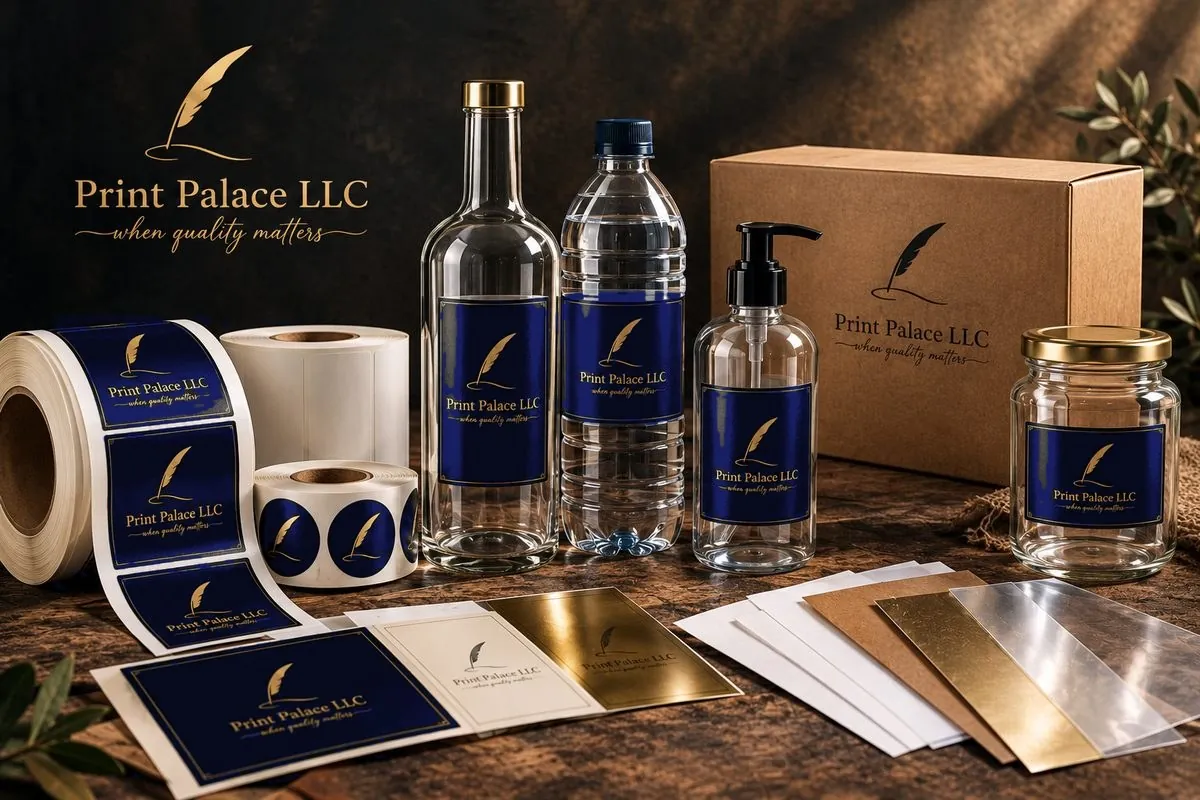
- On rolls or on sheets: if a labelling machine applies the labels, the printer needs them on rolls and the exact unwind direction. If you apply them by hand, labels cut on sheets are enough.
You do not need to know every technical detail
If you do not know which material, adhesive or technical parameter suits your product, that is not a problem.
You only need to know the essentials:
What product the label is for, the conditions it will be used in, and how many you need.
A professional printer should help you get the rest of the technical questions right.